SSD vs. HDD: Which One for Your Laptop?

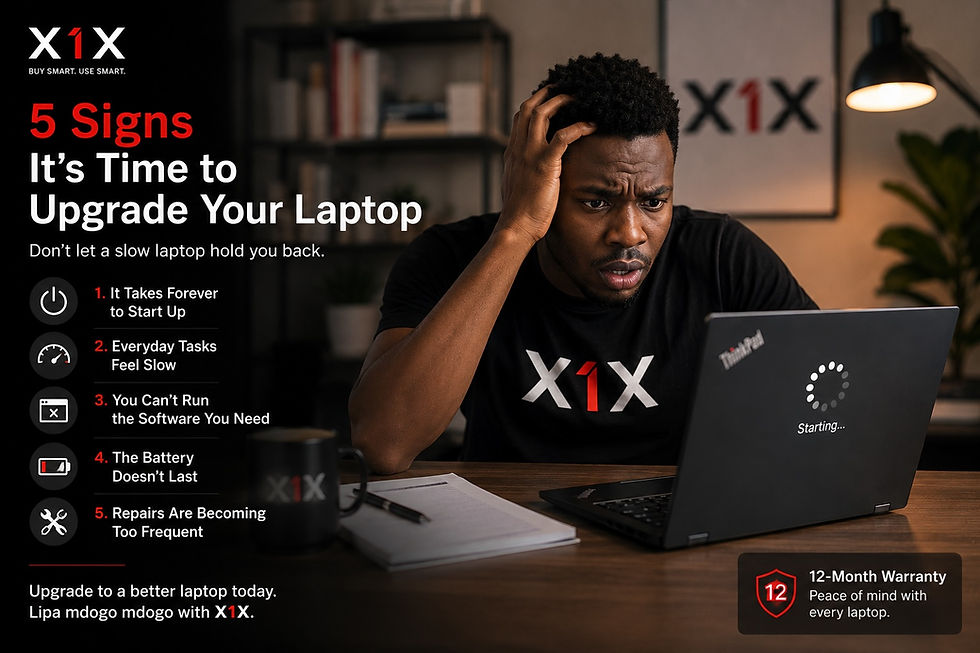
Brian, a college student, has an online class and loves a quick game after school. One afternoon, when trying to join his class, the loading circle spins for several minutes before the laptop can boot. Five minutes later, he’s still waiting while his lecturer starts the lesson.
Meanwhile, his friend flips open her refurbished Lenovo ThinkPad. She hits the power button, and she’s online before Brian can put his password. The difference isn't the brand or the age of the laptop but the storage. One laptop uses an HDD, while the other uses an SSD.
What is an HDD?
An HDD (Hard Disk Drive) is essentially a tiny, high-tech record player. Inside, metal disks spin while a mechanical arm moves across them to read your files.
Because it relies on physical movement, it’s inherently slower. However, HDDs are excellent for:
Massive Storage: Keeping thousands of movies or photos cheaply.
Backups: Storing files that you don't need to access every second.
Strict Budgets: Getting the most "space" for the least money.
In Kenya, many older "ex-UK" laptops still come with HDDs to keep the price point low.
What is an SSD?
An SSD (Solid State Drive) has no moving parts. It stores data on flash memory chips—the same way your smartphone does. Without a spinning disk to wait for, everything happens instantly.
An SSD laptop allows you to:
Boot in seconds: Go from "off" to "working" in under 30 seconds.
Multitask smoothly: Open 6+ Chrome tabs without the system freezing.
Work quietly: No whirring or clicking sounds.
Travel safely: Since there are no moving parts, an SSD is much less likely to break if you bump your laptop in your bag.
SSD vs HDD: The Real-World Performance Gap
In SSD vs HDD performance battle, who carries the day? An HDD is like walking to school while an SSD is like riding a motorbike. Both get you there, but one saves you a massive amount of time.
Feature | HDD | SSD |
Startup Speed | 3–10 minutes | Under 30 seconds |
Durability | Fragile (moving parts) | Highly durable |
Noise | Audible spinning | Completely silent |
Battery Life | Drains faster | More efficient |
Pro Tip for Buyers
Some sellers might swap out the original SSD for a cheaper HDD to lower the price. Don't be fooled by a "large" 500GB HDD if what you actually need is the "fast" 256GB SSD. It is the single most impactful upgrade you can make for your productivity.
Can You Upgrade an HDD to an SSD?
Yes — in most laptops, you can replace the old HDD with an SSD (Solid State Drive). It is one of the best upgrades you can make, especially on older business laptops like the Lenovo ThinkPad series.
Upgraded from HDD to SSD? Don't throw it away!
Don't toss out your old HDD after upgrading to an SSD. You can easily turn that old drive into a portable external hard drive by sliding it into a simple HDD enclosure. You can use it to store movies, large files, and backups.
All X1X Laptops Come with SSD Storage
At X1X, we provide quality refurbished Lenovo business ThinkPads that come with SSD storage and at least 8GB RAM. We offer a 12-month warranty on hardware and provide X1X intelligence as support assistance. Check out our lipa mdogo mdogo catalogue for more information.